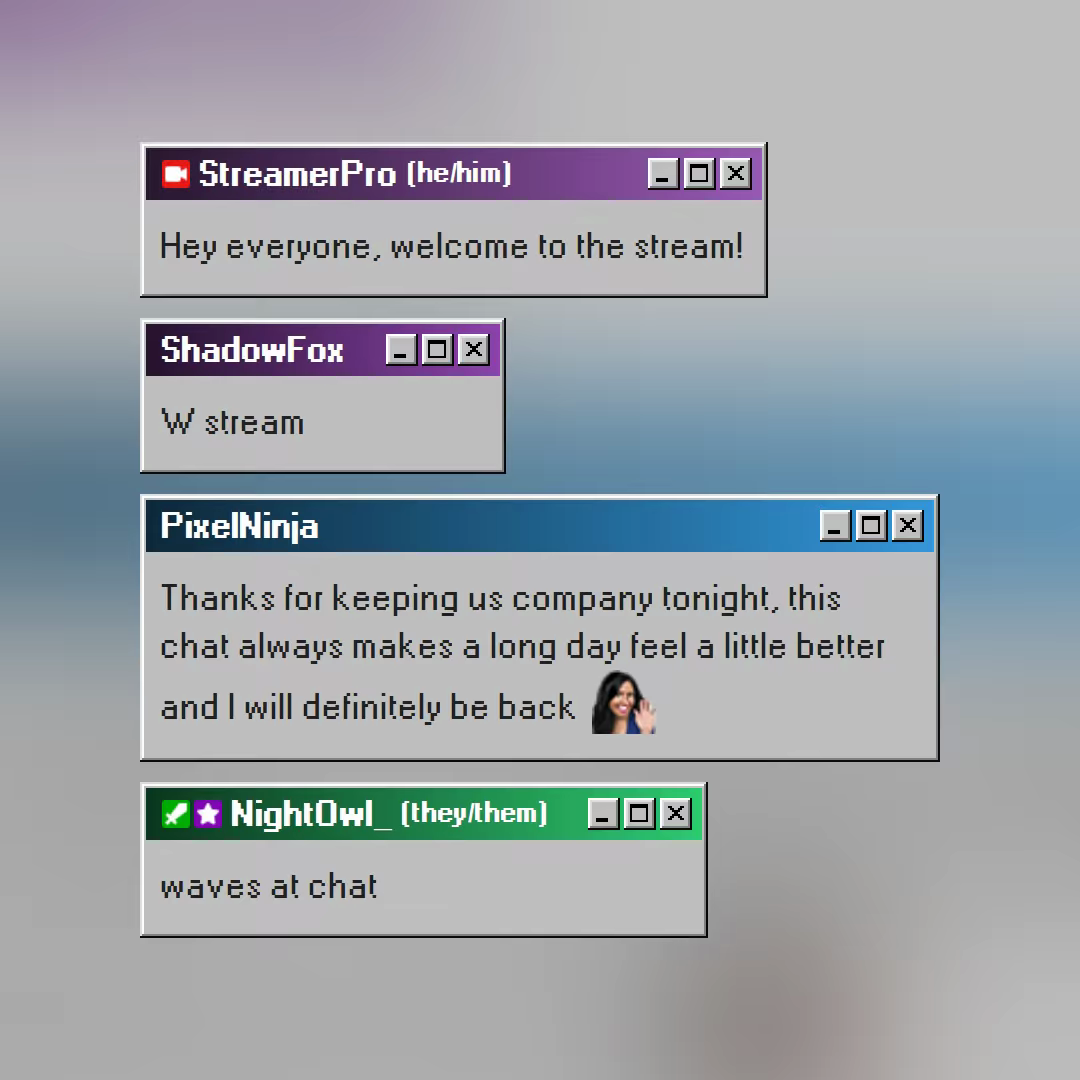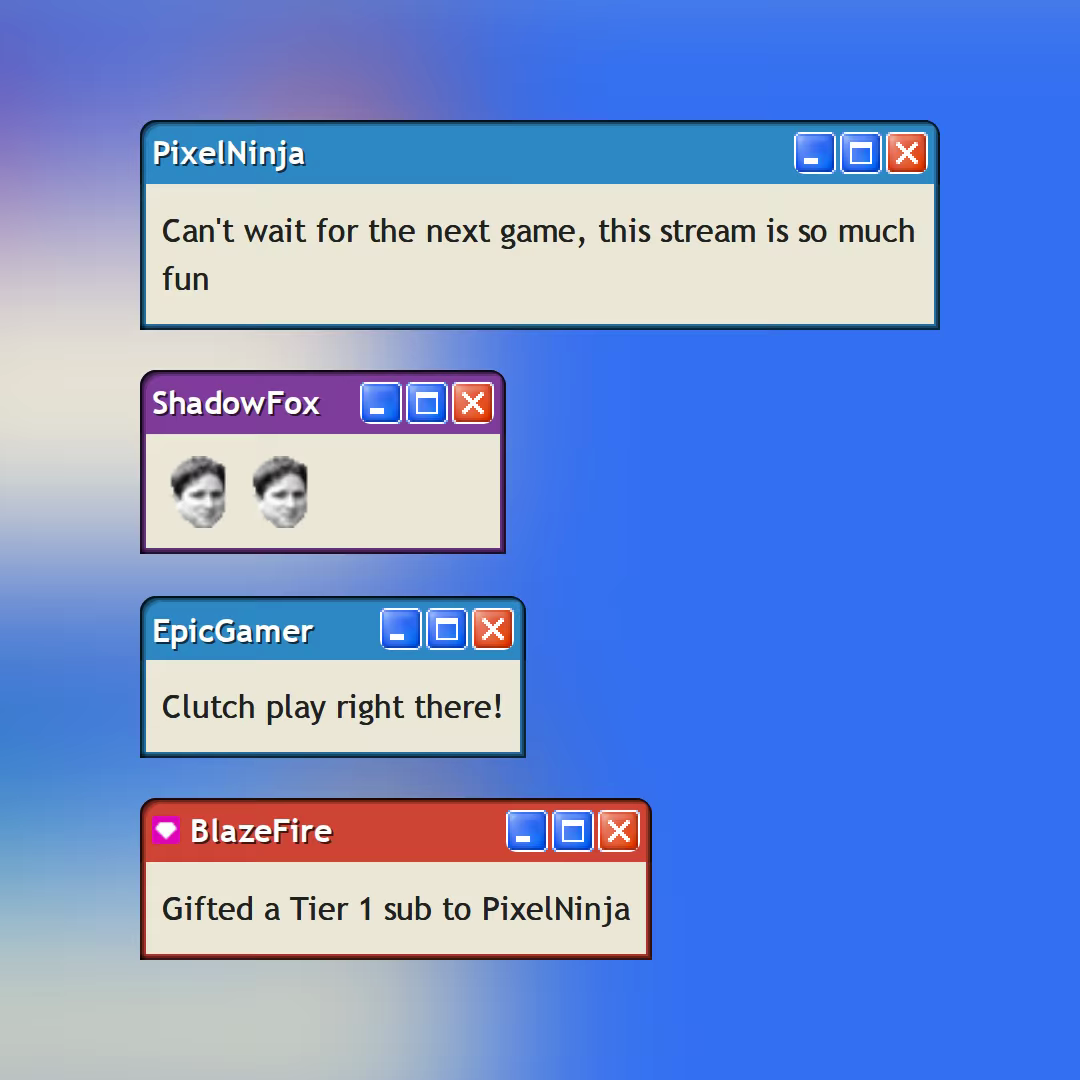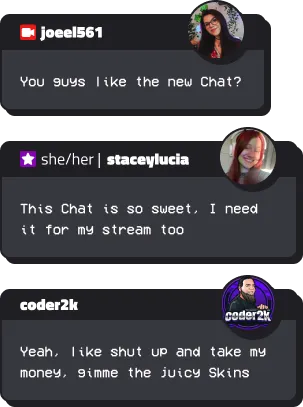
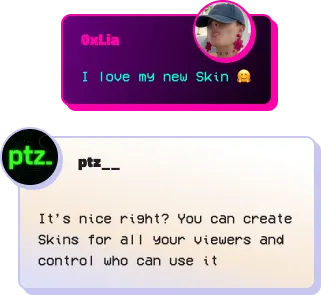
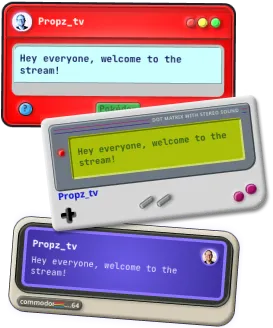
आपका CHAT . आपका Style .

अपनी लाइवस्ट्रीम चैट को उसकी अपनी शैली दें।
अपनी Twitch चैट overlay को अनुकूलित करें, व्यूअर skins बनाएं और नियंत्रित करें कि कौन अपना स्वयं का डिज़ाइन बना सकता है।

स्ट्रीमर्स के लिए

एक कस्टम Twitch चैट overlay सेट करें और नियंत्रित करें कि कौन से दर्शक कस्टम स्किन का उपयोग कर सकते हैं।

Chat सेट करो

दर्शकों के लिए

एक Skin चुनें या अपना स्वयं का चैट बबल डिज़ाइन करें और अपने पसंदीदा Twitch streamer की चैट में अलग दिखें।

ब्रांड्स के लिए

गेम्स, इवेंट्स और कैंपेन के लिए ब्रांडेड चैट स्टाइल बनाओ।

पार्टनर बनो

अपनी नई Stream Chat शुरू करो

1

अपना
Chat Template पाओ.

Chat Template Example

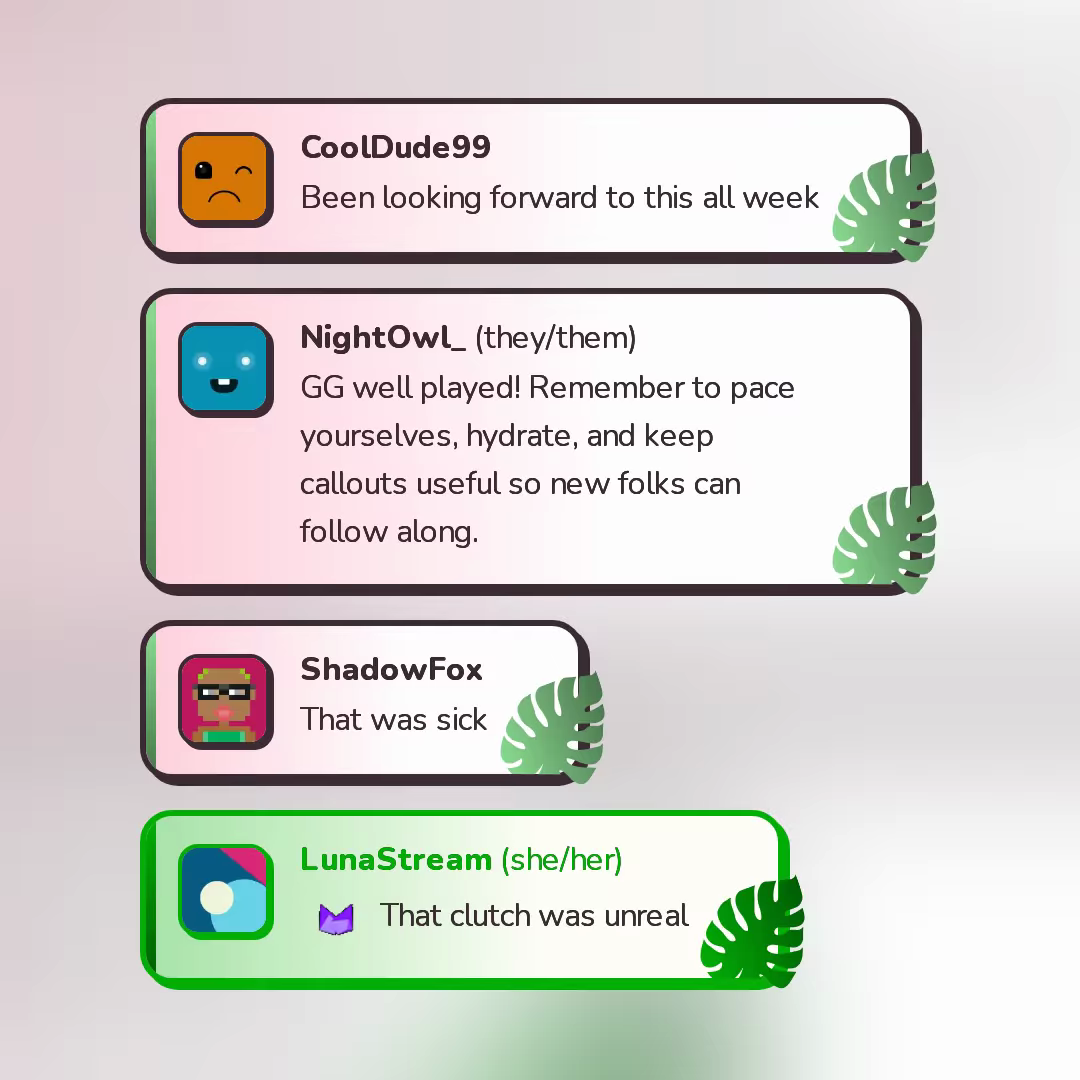
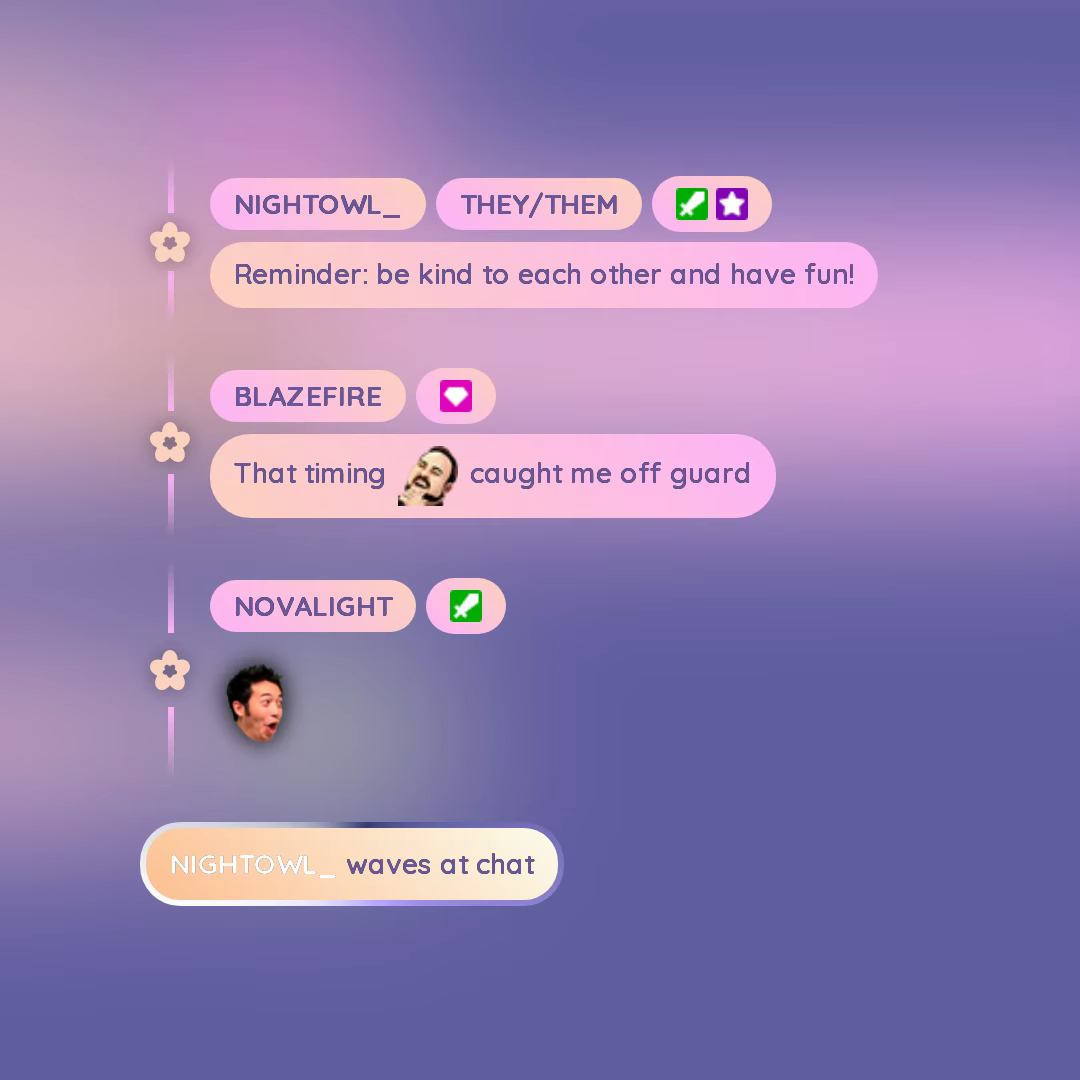
एक Chat Box Template चुनो और customize करो. यह तुम्हारी Stream का base Design होगा.

2

Skins बनाओ
अपने दर्शकों के लिए.

Skins Examples

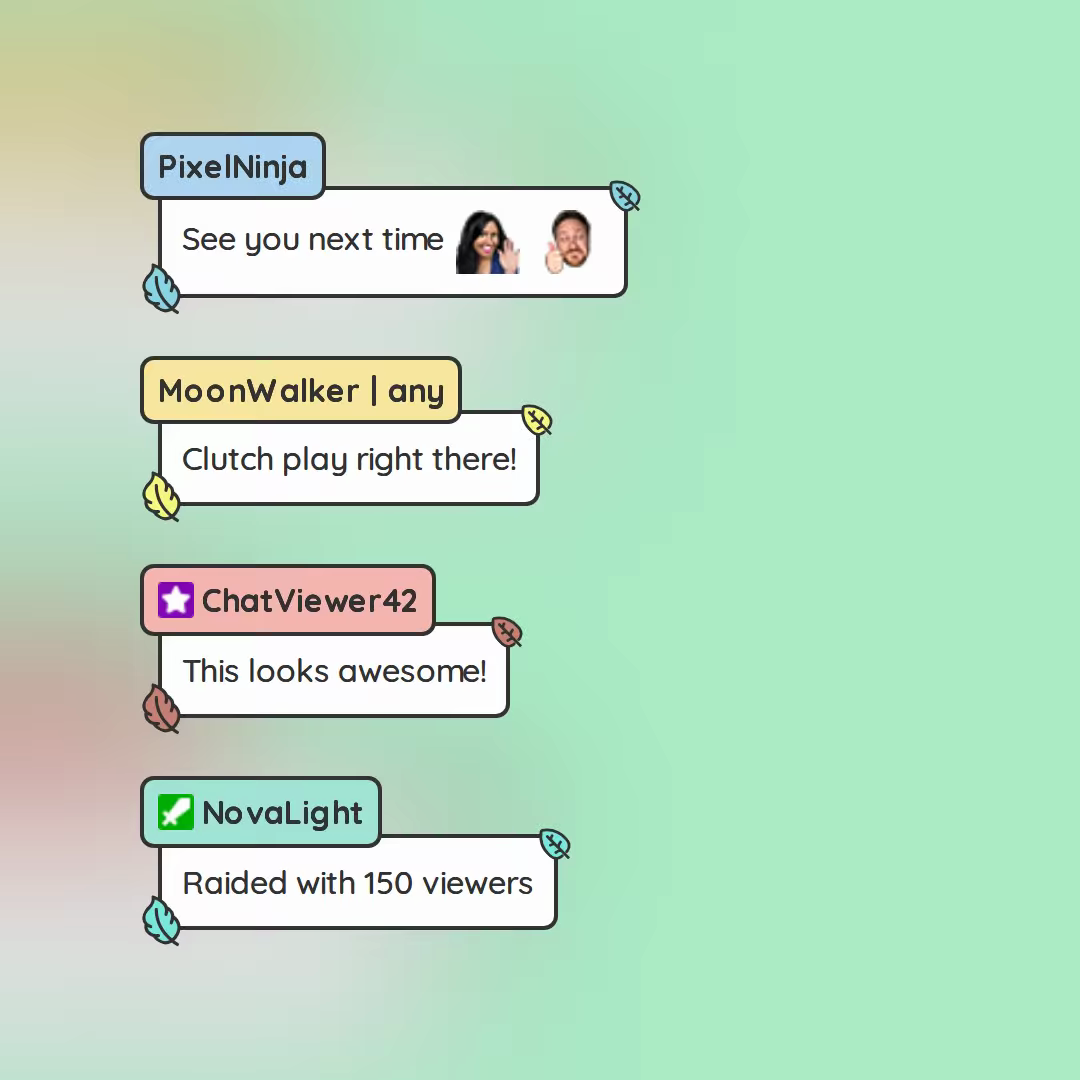
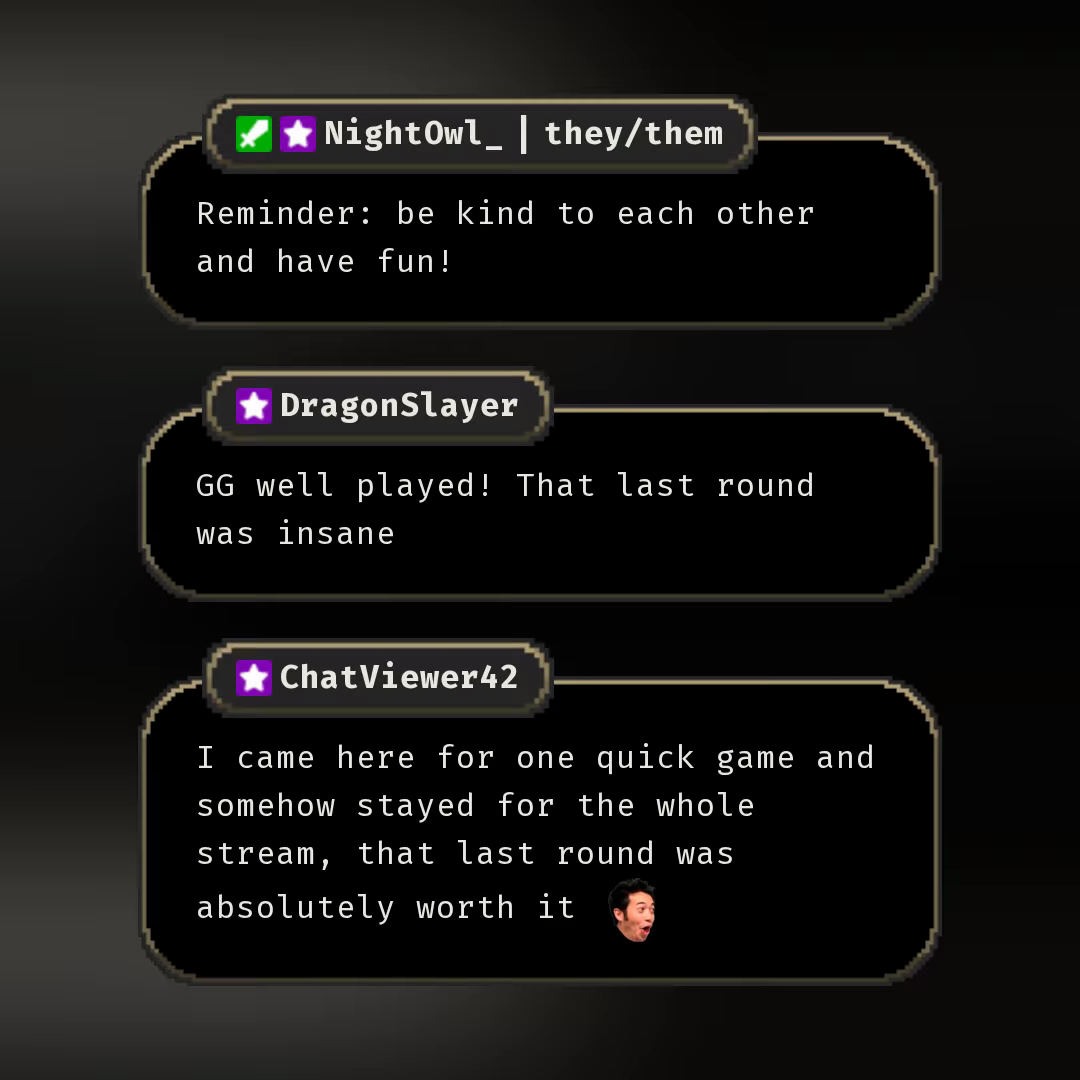
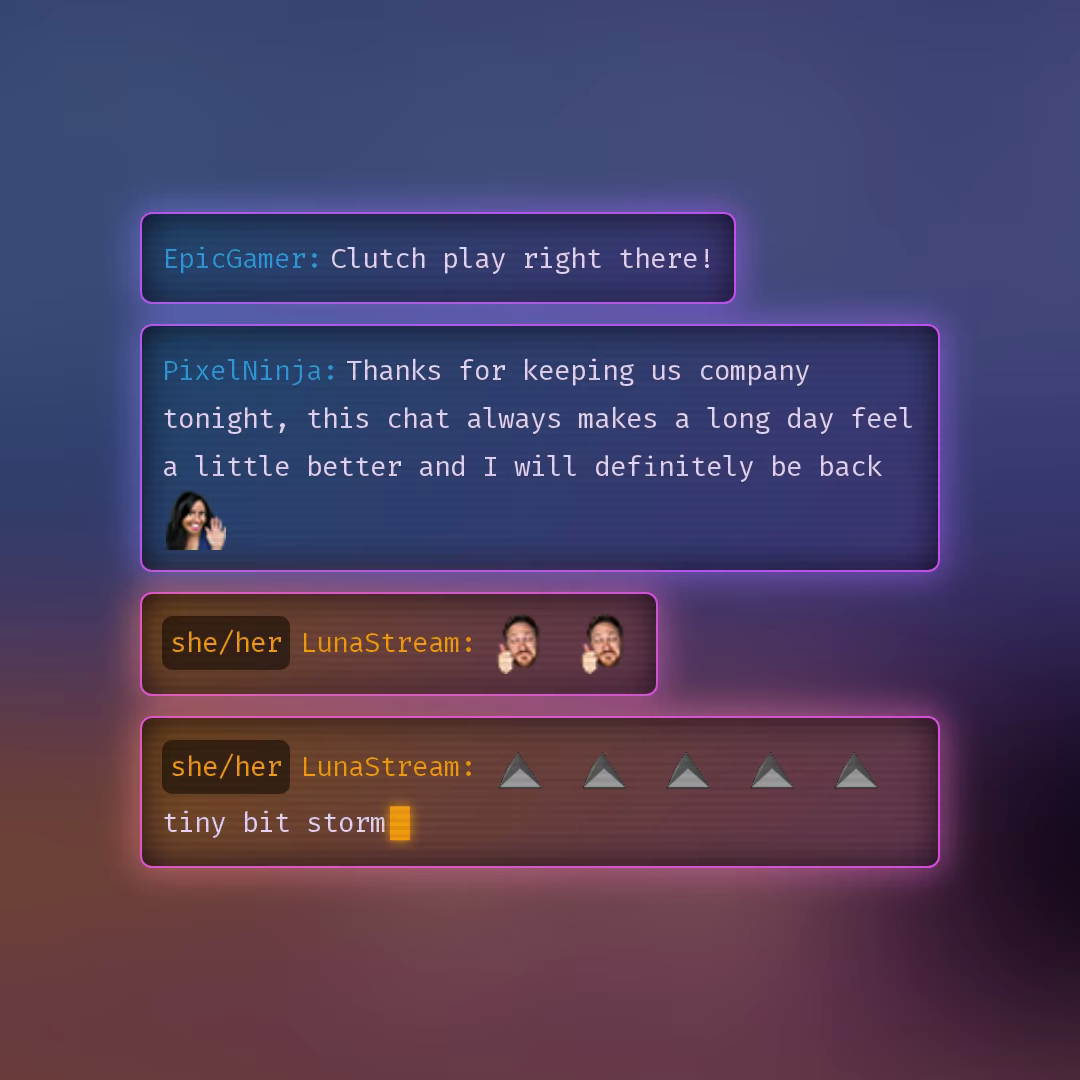
अपने Subs|VIPs|Mods या पूरी community के लिए अलग-अलग Chat Bubbles (Skins) डिज़ाइन करो.

3

अपने दर्शकों को
क्रिएटिव बनने दो.

Personalized Skins Examples

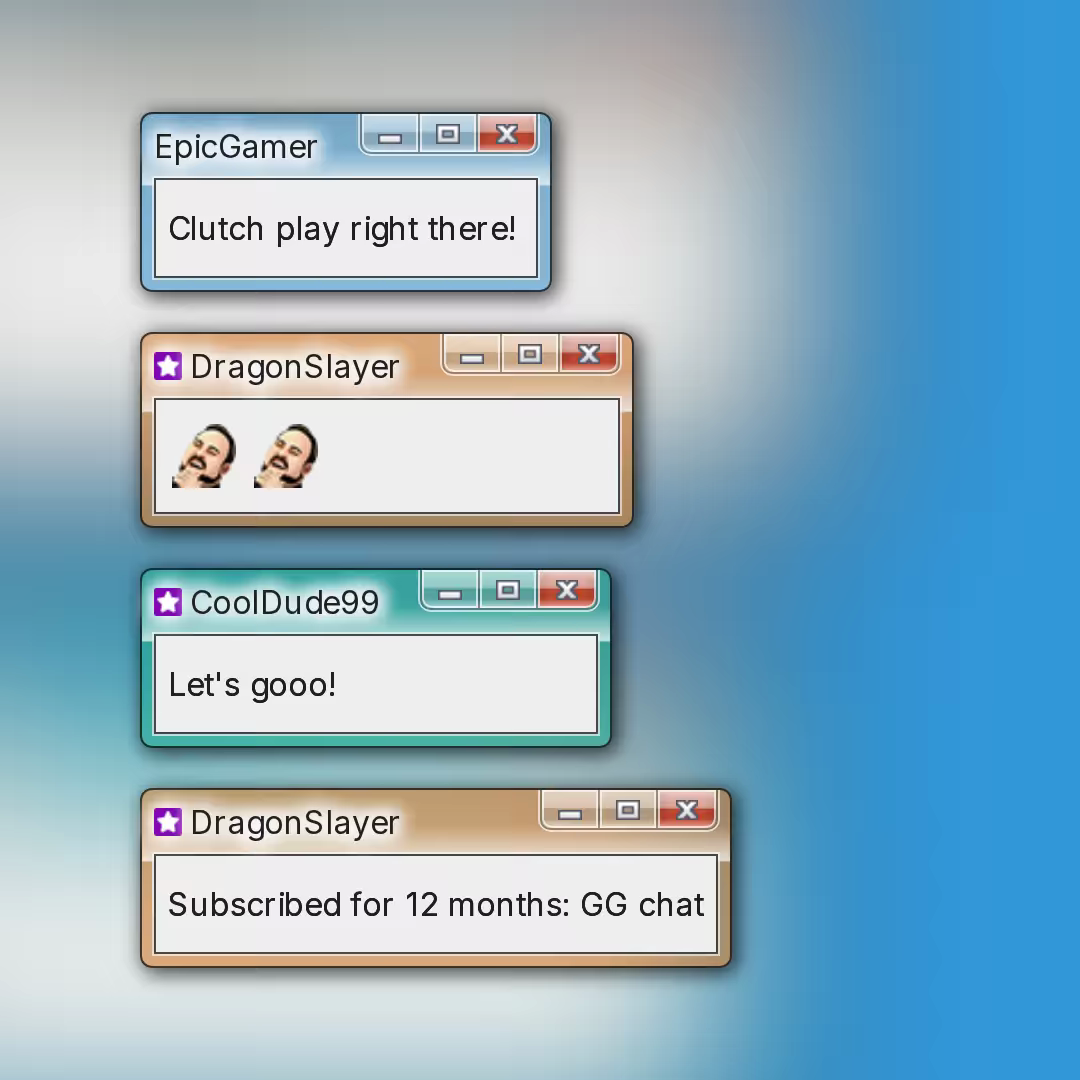
दर्शकों को अपना personalized Skin बनाने दो. उन्हें यह बहुत पसंद आएगा!

Chat overlay Templates एक्सप्लोर करो

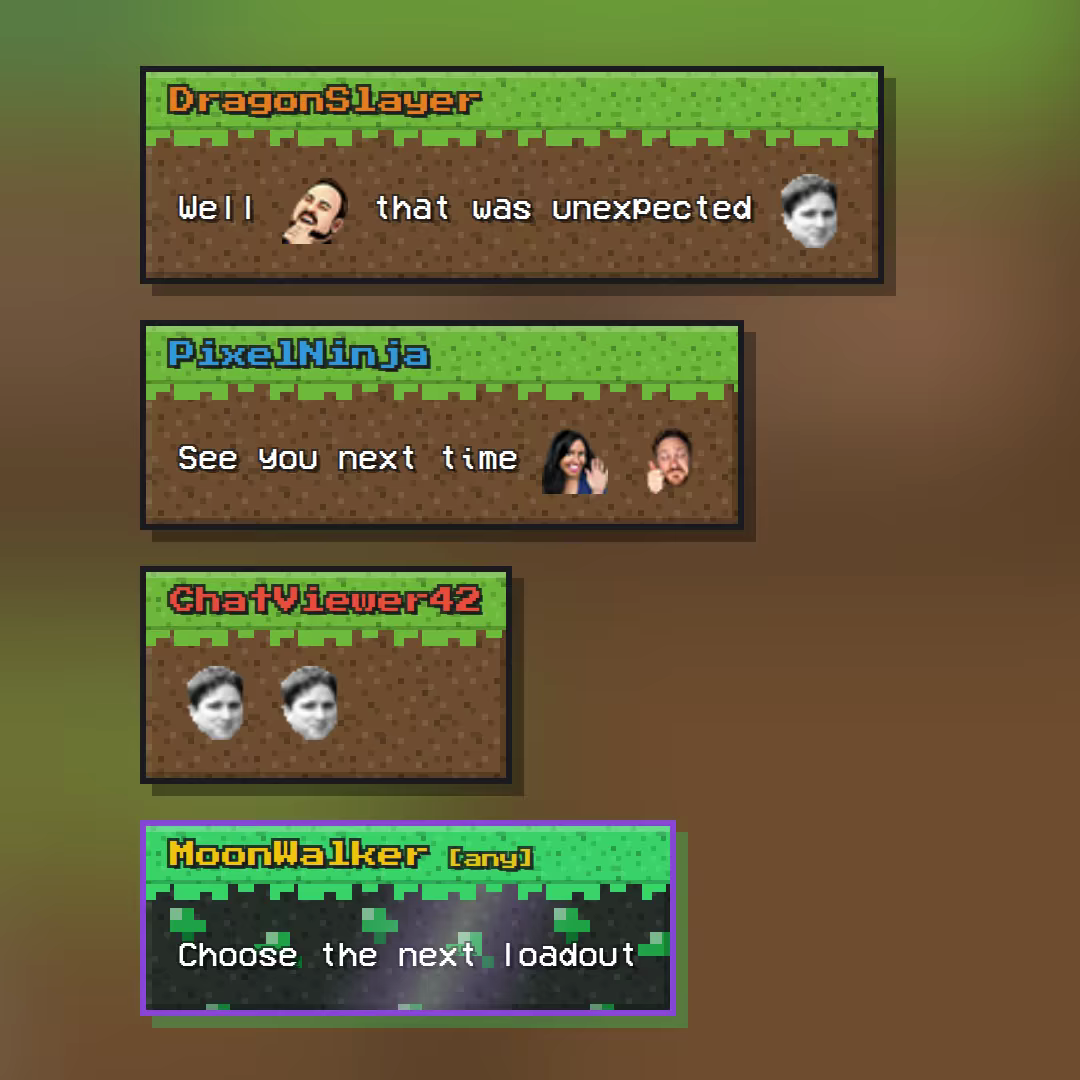
Chatcraft

प्रीमियम
9 स्किन

Minecraft inspired Chat Template straight from the Overworld: a green grass cap with a jagged pixel overhang, a dirt-textured body, hard block shadows and an enchantment glint on events.

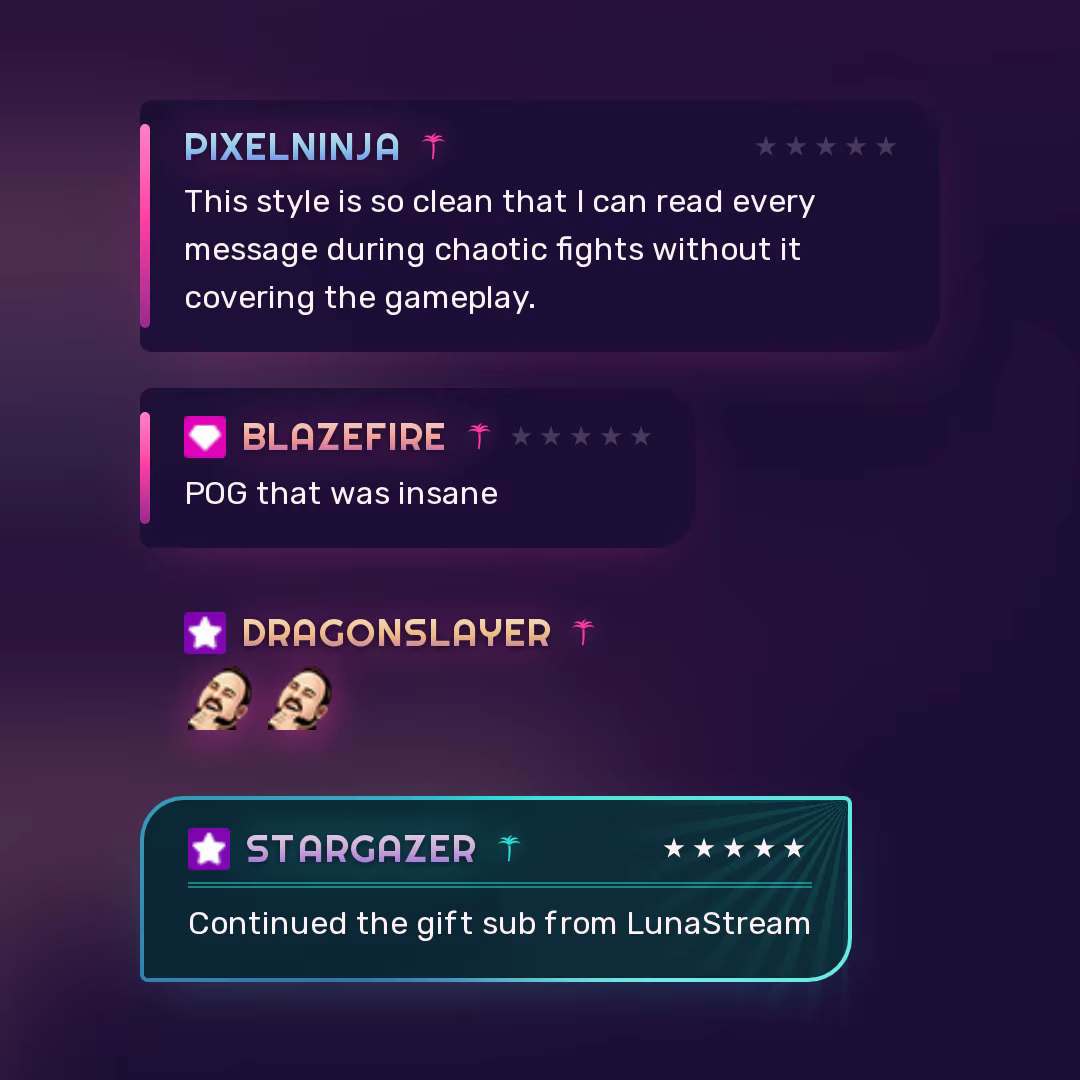
Grand Chat Auto VI

प्रीमियम
10 स्किन

Neon-noir chat straight out of Leonida: midnight panels, a sunset neon tube, chrome-gradient names and a five-star wanted meter that climbs with your role. Messages ending in "!" trigger the sirens. Inspired by Grand Theft Auto VI (GTA VI).

RetroMon

मुफ़्त
4 स्किन

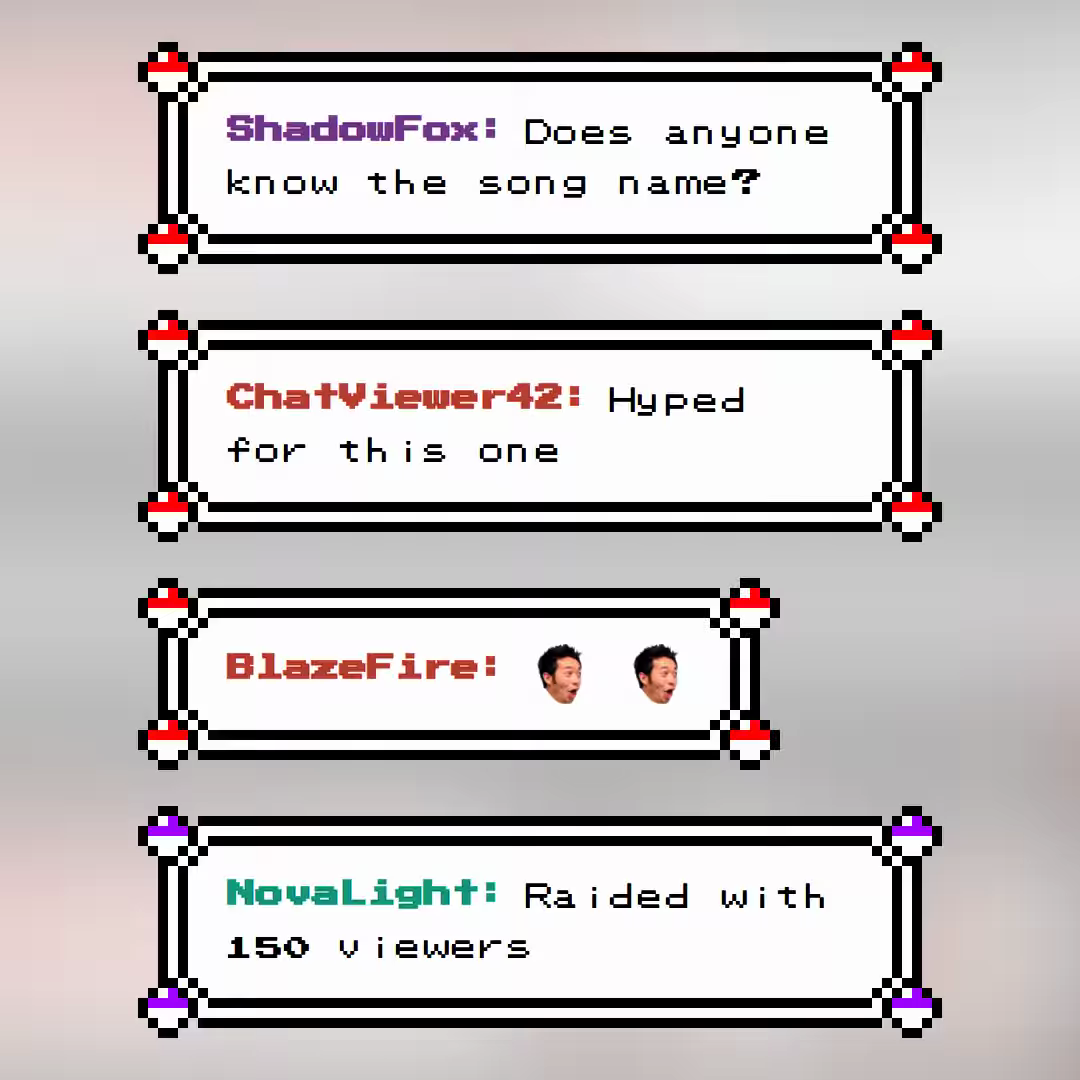
If you ever played Pokemon on the Gameboy you'll remember this Style. Enjoy this amazing Templatev for your Retro Stream session.

कोई Templates नहीं मिले।

अपना Chat Bubble पर्सनलाइज़ करो

ChatStyle पर अपना पसंदीदा Streamer ढूंढो, एक skin चुनो और हर स्ट्रीम में अपने मैसेज को अलग बनाओ।